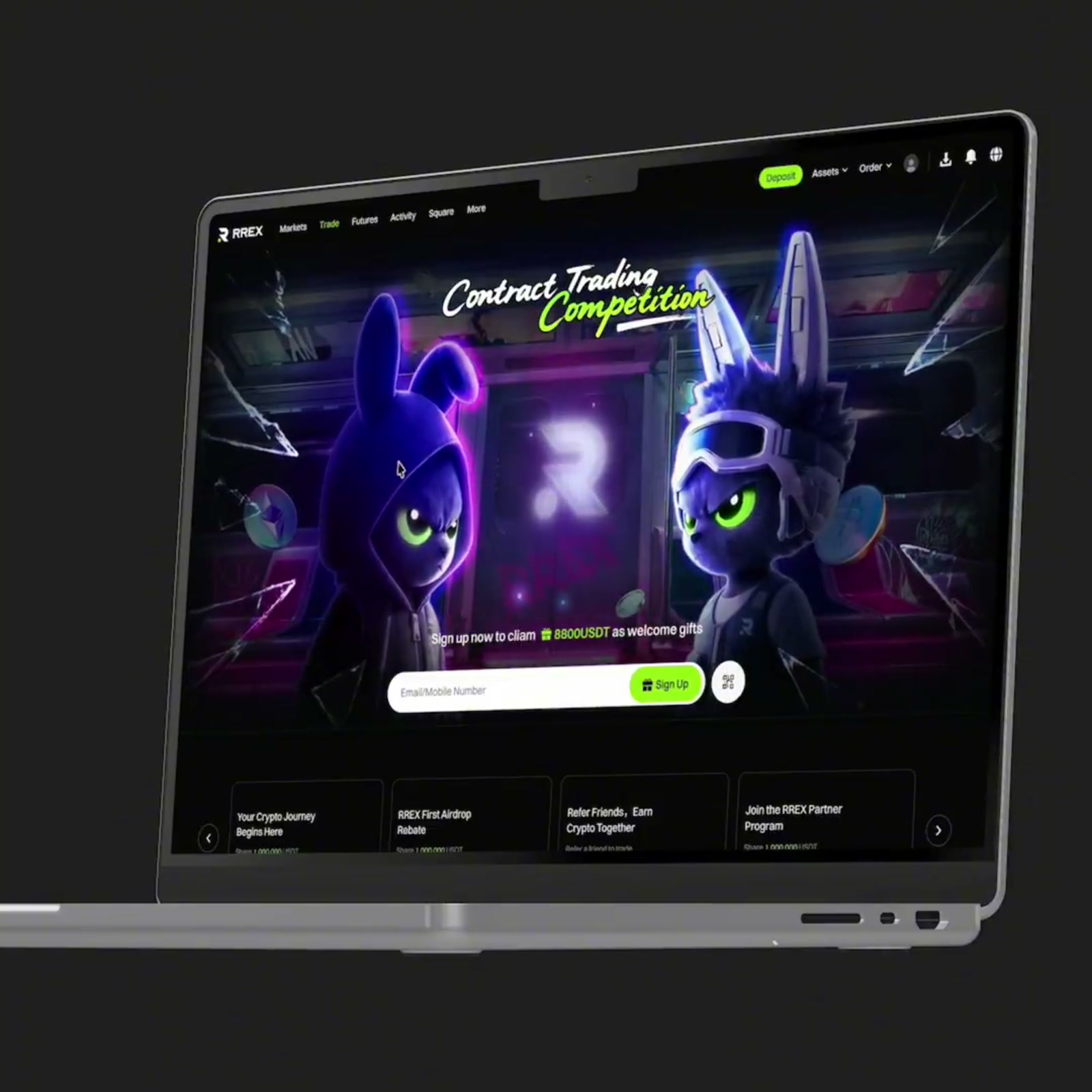

A product visual workspace for brands and independent creators

The product animation workspace designers and independent developers recommend.

From the birth of an idea to creative execution, AI stays with you throughout

From one request to a deliverable 3D result.

Skills help the Agent understand the goal and assemble devices, backgrounds, cameras, and the timeline in the right order.

MCP and CLI execute real operations, generate previews, submit local renders, and report progress.
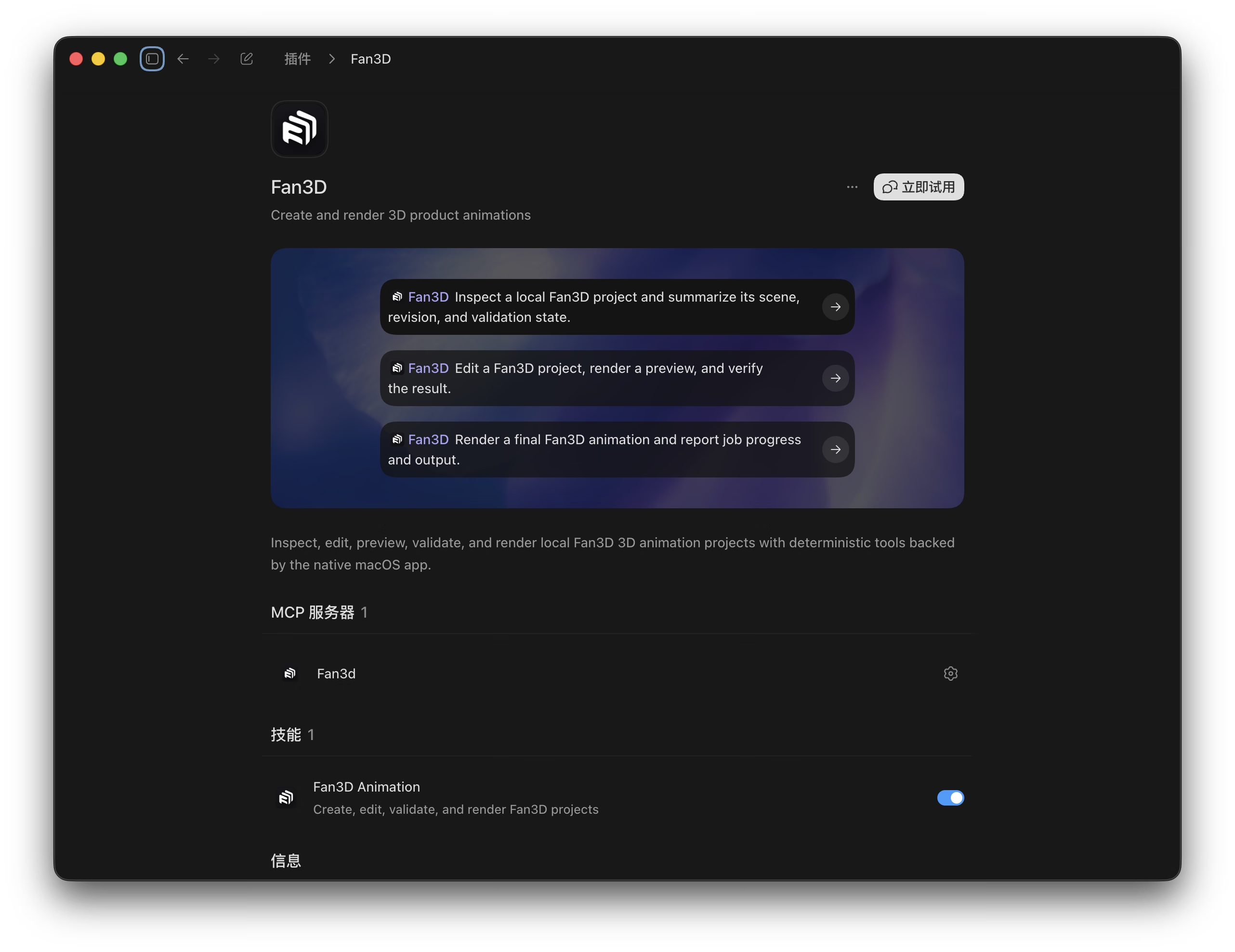
Fan3D plugin in Codex with MCP tools and the Fan3D Animation Skill

MCP lets the Agent work inside the real project.

Standard tools inspect projects, edit scenes, generate previews, and submit renders. Every operation returns a Revision and structured result.

CLI connects Fan3D to automation workflows.

Reuse the same project transactions and rendering capabilities in terminals and scripts for batch, pipeline, and unattended work.

Skills teach the Agent how to complete the work.

A Skill turns the creative goal into reliable steps, combines MCP and CLI, then inspects, previews, and validates the result.

Simple workflow

Studio-quality product animation in 3 steps

Import assets, refine the scene, preview, and deliver. Work manually or let AI use the same capabilities to move the project forward.

Import your design

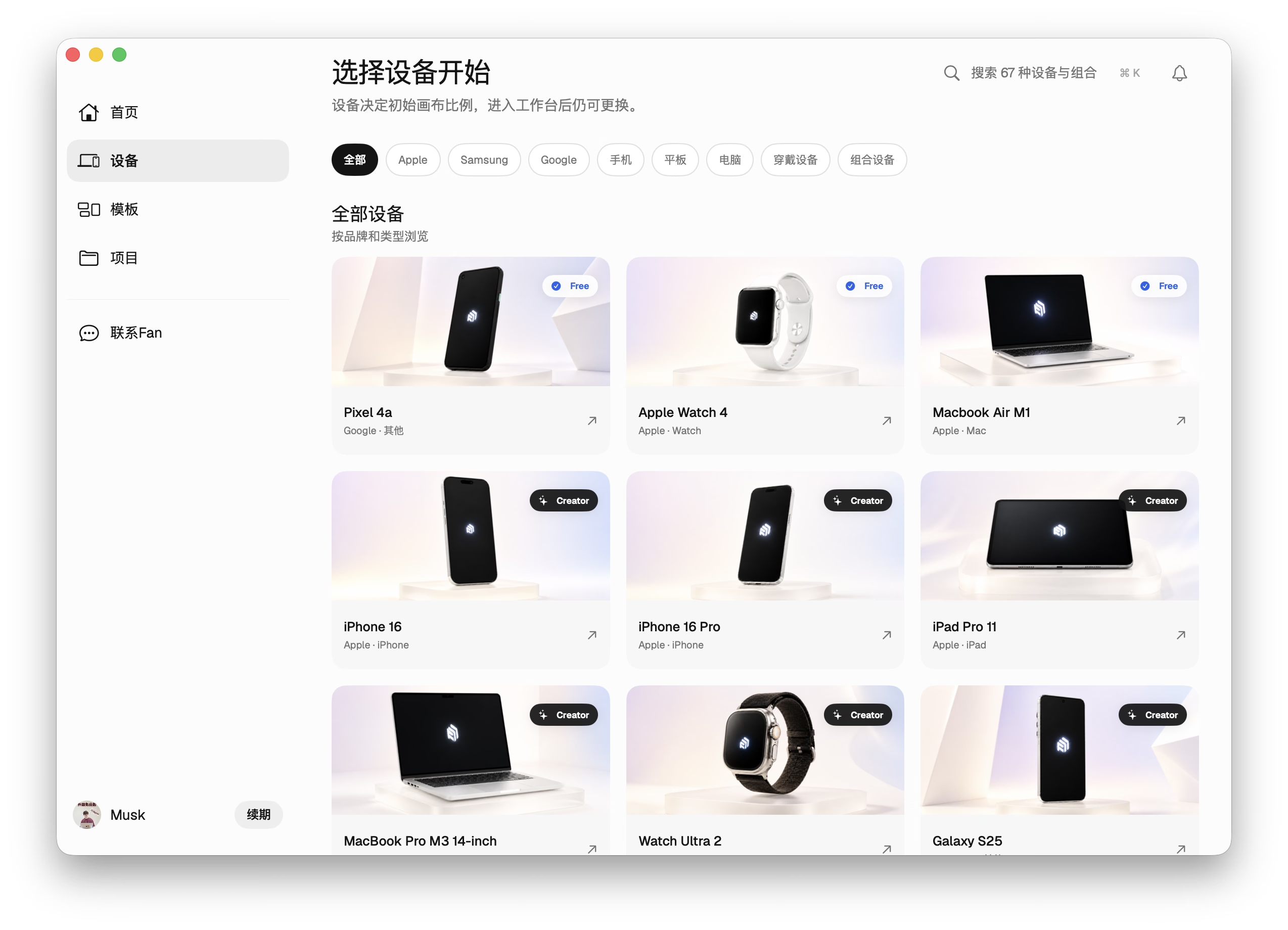
Choose a device scene, then place your image or video on its screen.

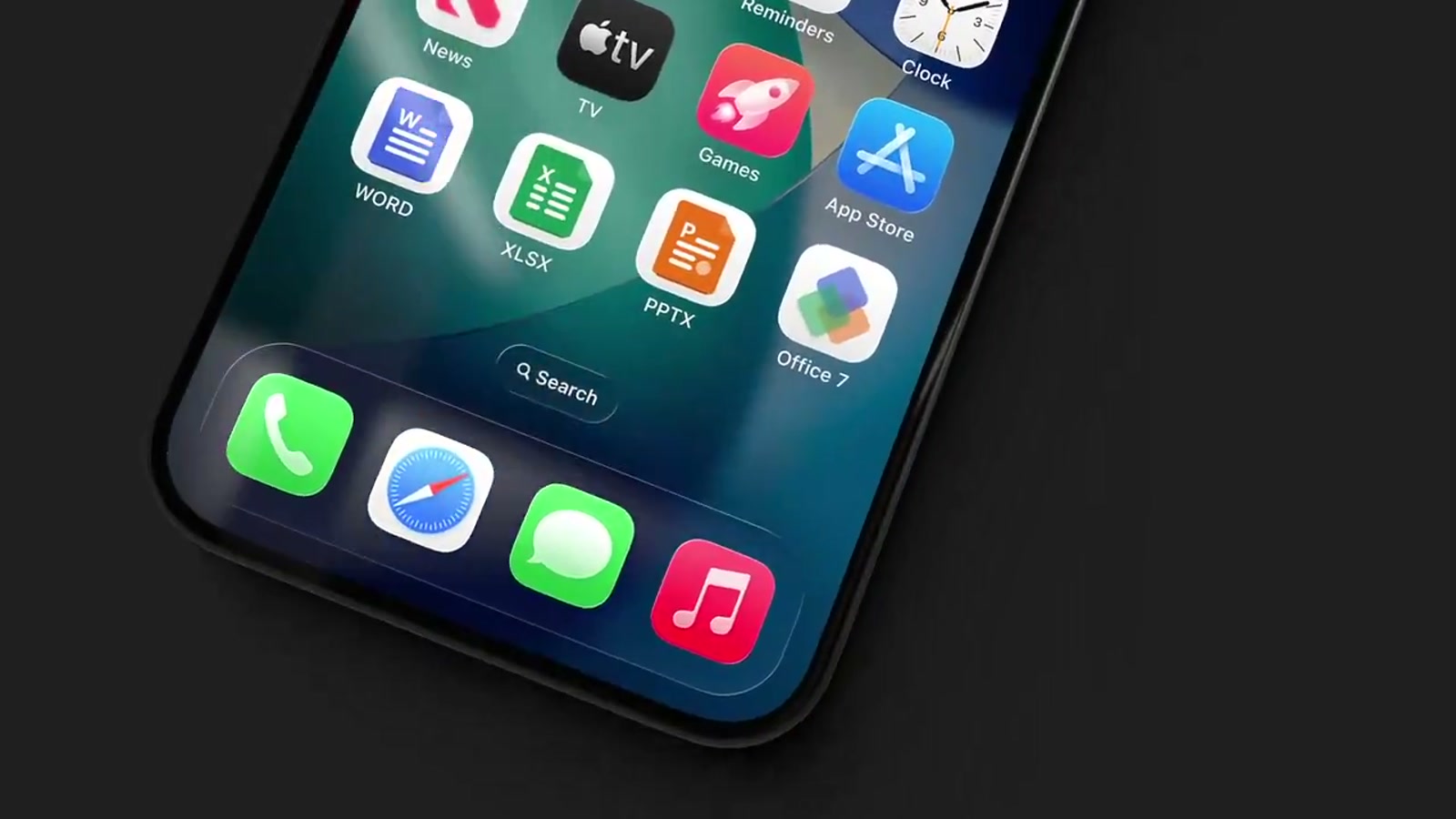
Free and Creator devices in the Fan3D device catalog
Current stepImport your design

Refine the scene and animation

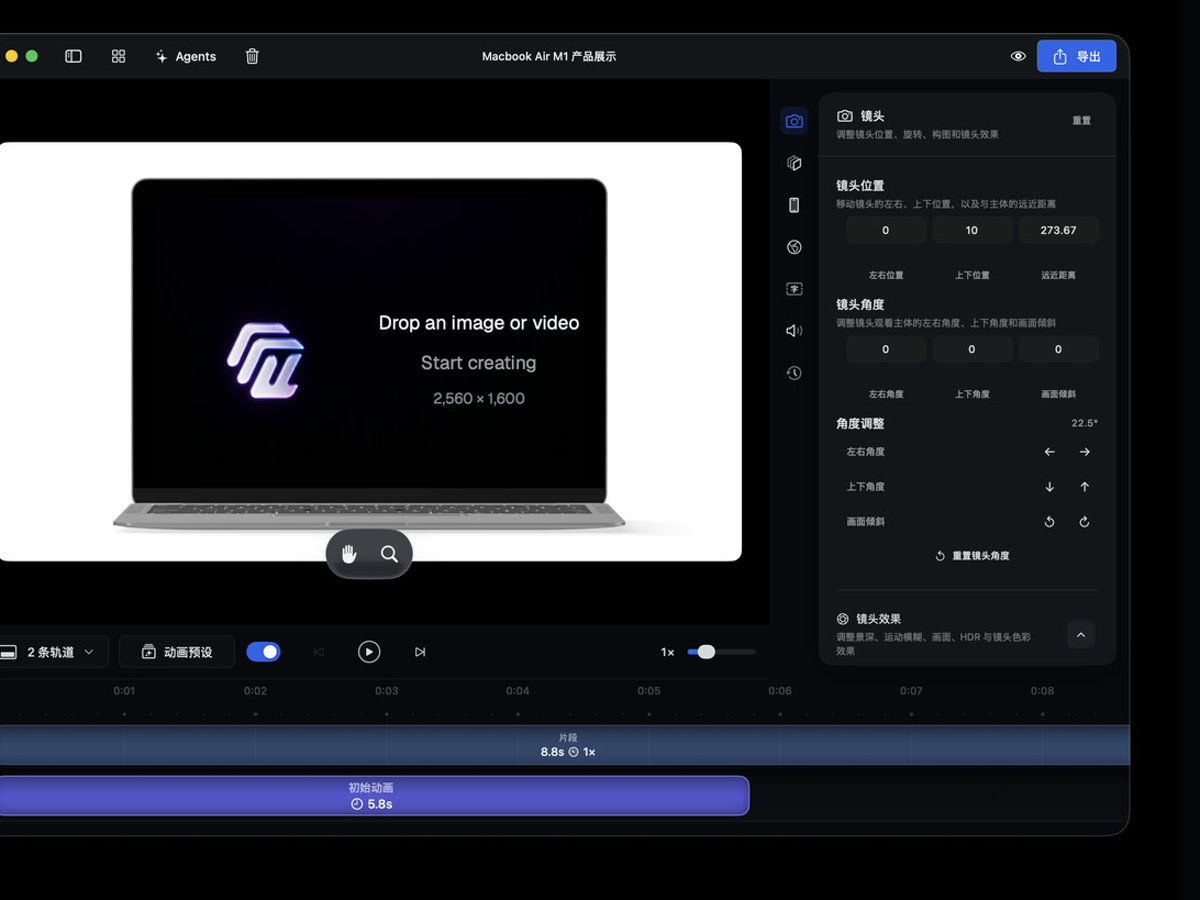
Adjust the background, device appearance, and camera, then add motion to the timeline.

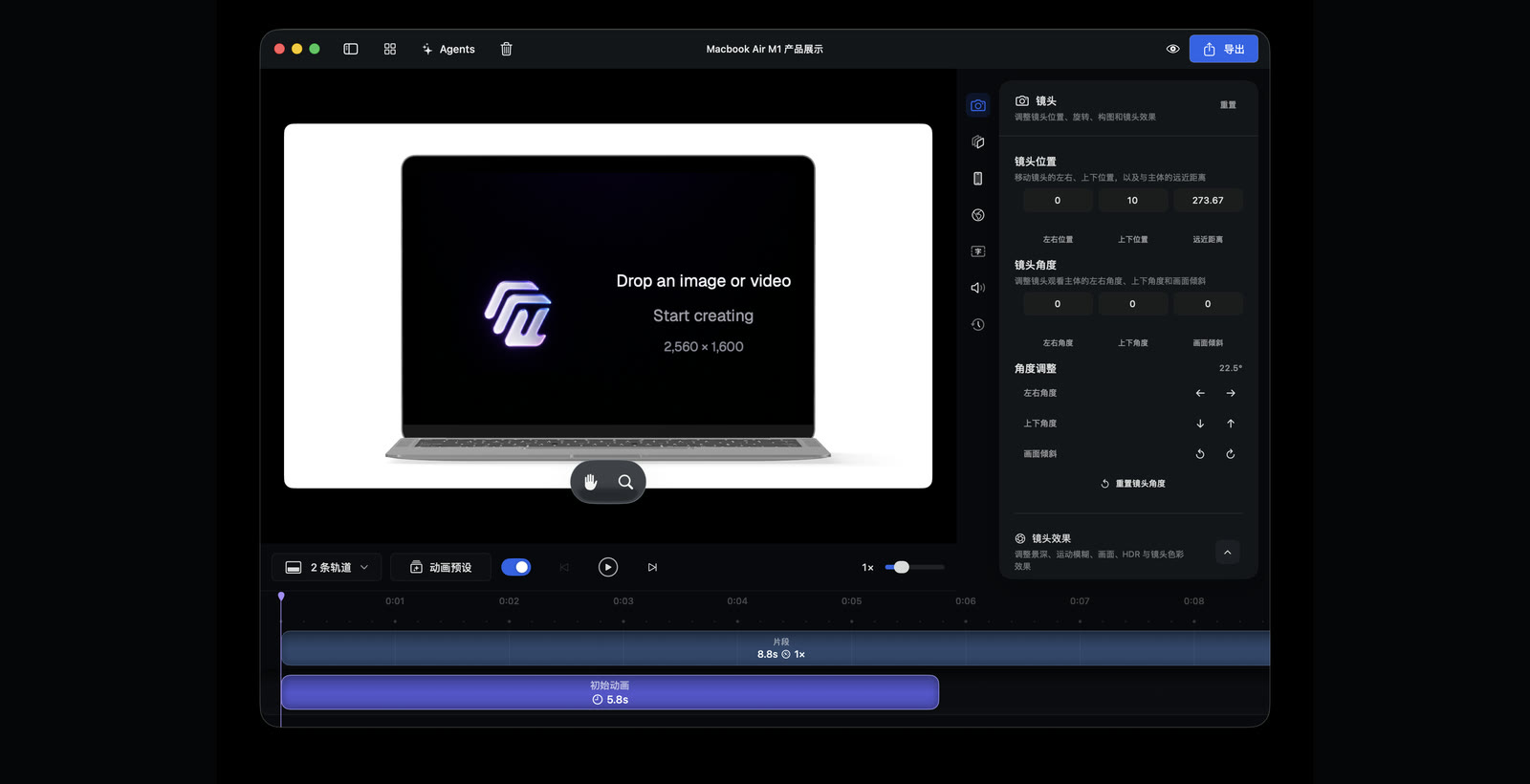
Camera inspector and animation timeline in the native Fan3D workspace
Current stepRefine the scene and animation

Preview and deliver

Preview the shot, then submit the final video render locally on your Mac.

Current stepPreview and deliver

Start with a great shot

Choose from 11 built-in camera animation presets, add one to the timeline, then refine it.

0103/ 11

Top Turn

Orbit from above and turn toward the subject.

Bottom Turn

Orbit from below and turn toward the subject.

Flip In

Flip the camera around as the subject enters the frame.

Flip Up

Flip upward and settle on the subject at center frame.

Pan Across

Move smoothly from one side of the subject to the other.

Hover

Add a gentle floating motion.

Slide In Left

Slide in from the left and settle on the subject.

Dangle

Swing gently into position.

Hoist Down

Drop in from above and settle with a broad turn.

Edge Turn

Turn along the subject edge from one side to the other.

Slide In Right

Slide in from the right and settle on the subject.

Animation modes

One shot, 30 rhythms

Choose ease-in, ease-out, and overshoot curves for camera animation. Preview each one instantly, then adjust the duration to fit the shot.

Essential · Default

Default

Fan3D’s balanced default curve for most natural camera moves.

Motion curvecubic-bezier(0.42, 0, 0.58, 1)
Mode library30 modes
6

An AI-native 3D workspace built for product visuals

You stay in control of the native canvas, inspector, and timeline while AI advances the real project through application use cases, MCP tools, Skills, and the plugin.

Real project

Every change lands in the same editable scene.

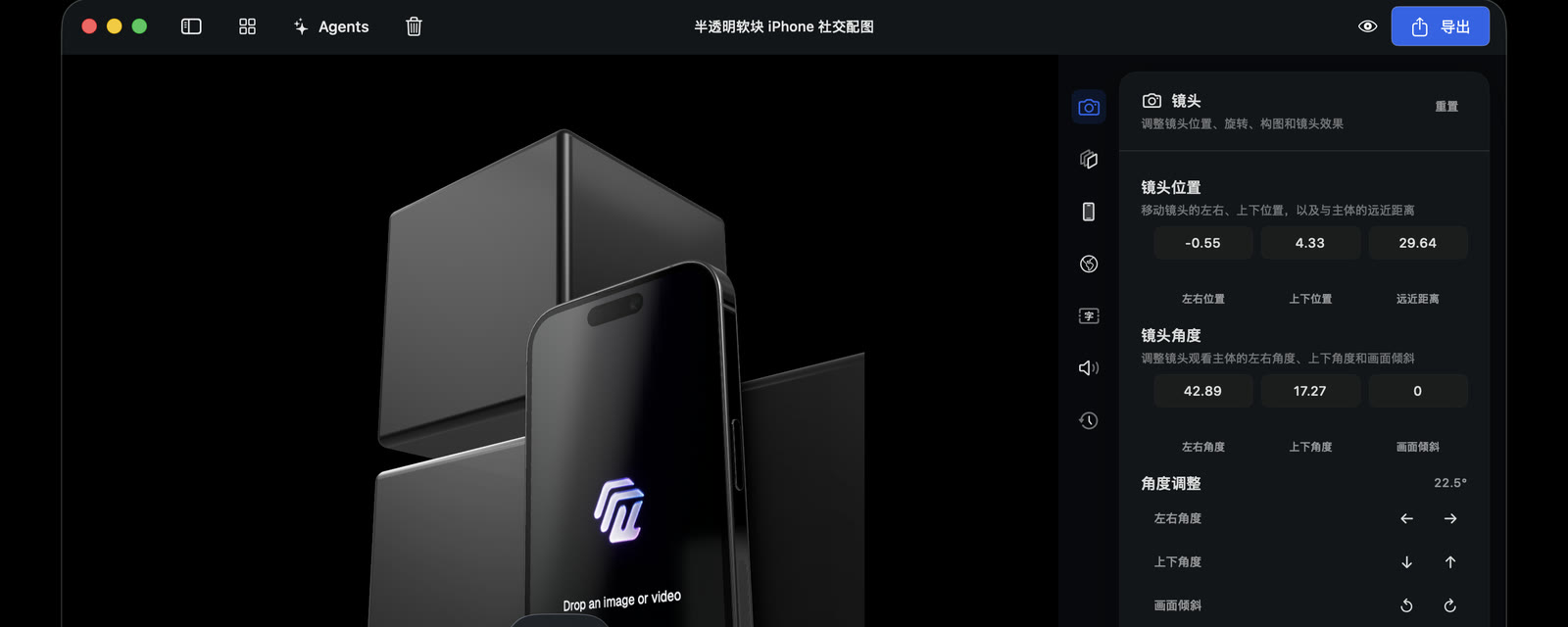
Camera inspector and animation timeline in a Fan3D phone project

AI-executable

From one request to devices, backgrounds, cameras, and render jobs.

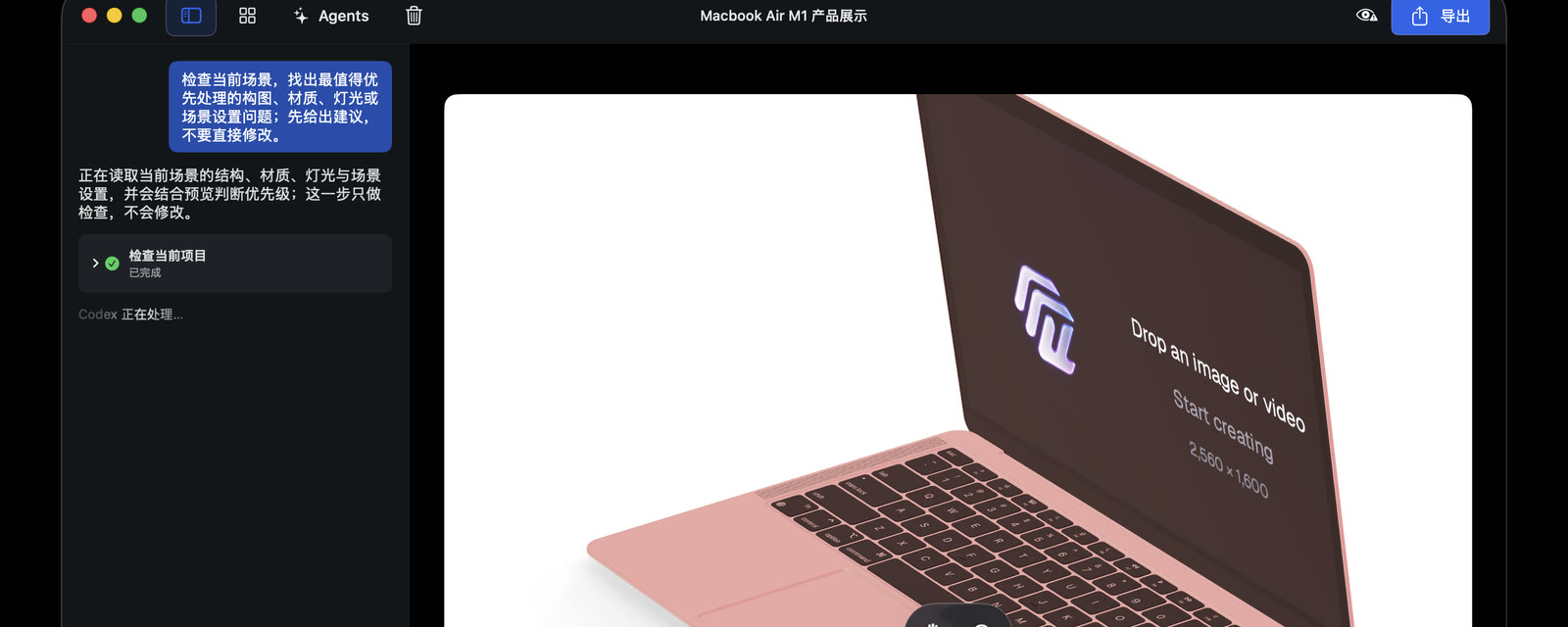
Fan3D AI workspace advancing a real project

Direct every shot

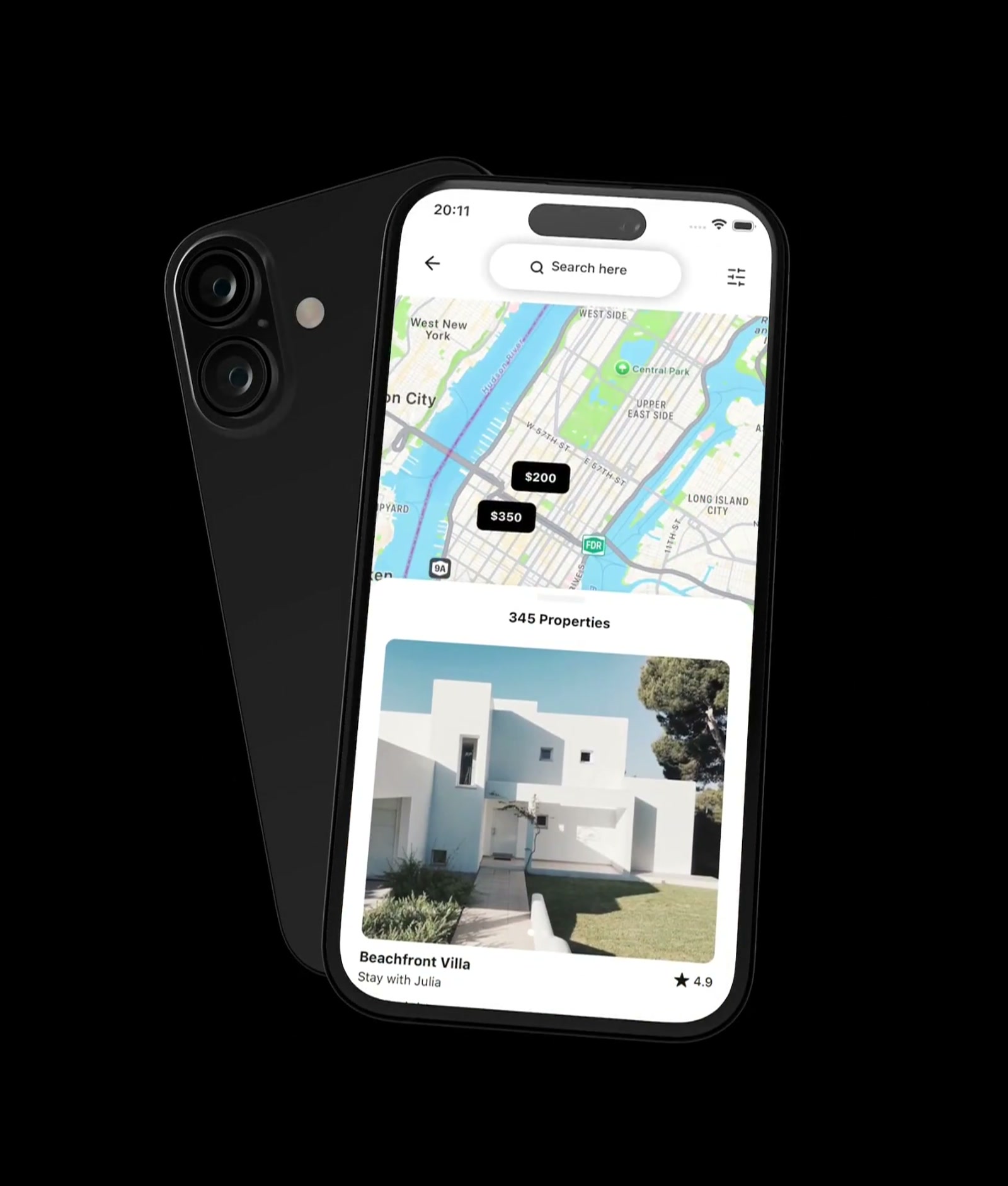
Adjust position, focal length, and presets, then refine on the timeline.

Fan3D mobile animation with multiple camera positions

Preview without leaving your Mac

Confirm the shot, then submit a local video render.

Fan3D mobile analytics animation

Take manual control anytime

Inspect, adjust, or undo every AI operation.

Manual controls in the Fan3D camera inspector, canvas, and timeline

One visual system, many channels

Stills, product videos, and later revisions all continue from the same project.

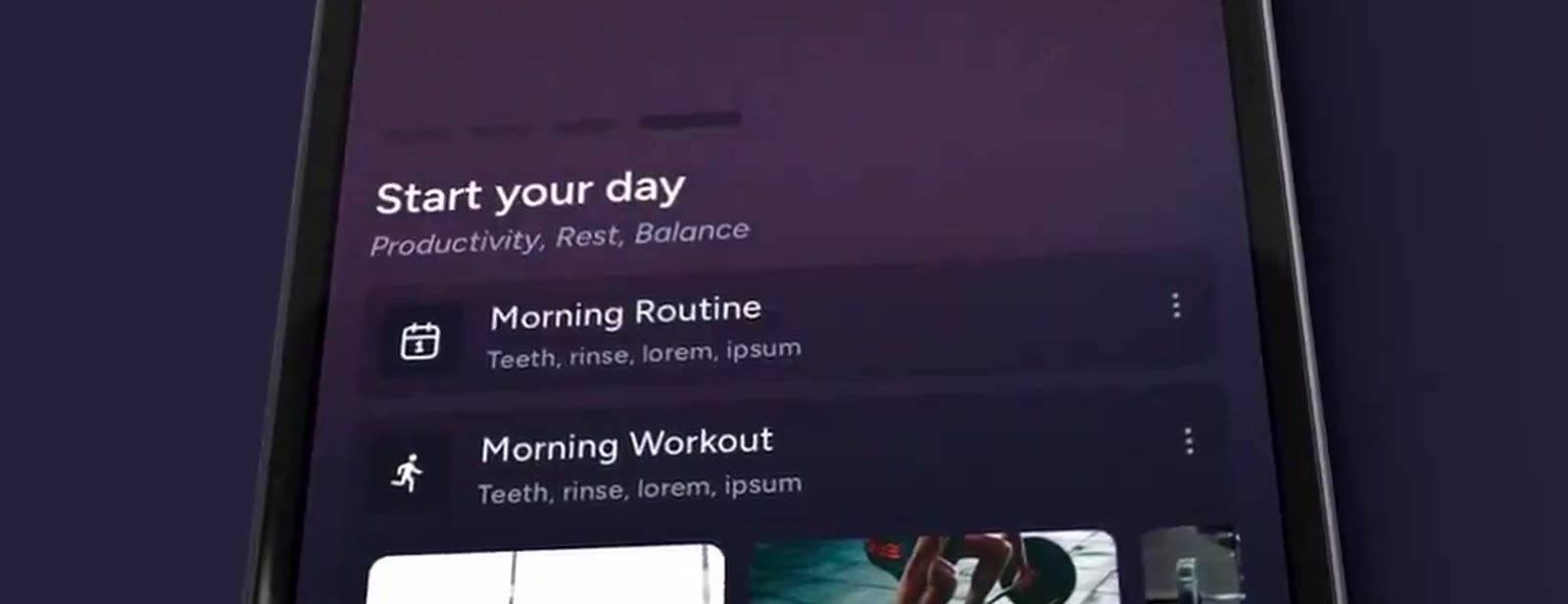
Dark mobile morning routine product animation
Mobile data visuals across multiple product shots
Multiple shotsStart with presets and keep refining
Desktop product animation from the same project
One RevisionAI and manual editing share state
Portrait of the Fan3D founder
“The idea behind Fan3D was simple: whenever I finished a product, I wanted to make a great 3D showcase for it. Existing tools were complex and inefficient, with few that truly embraced AI. Creativity should go into the idea, not the process. So I built Fan3D.”

Founder of Fan3D · Independent developer

Create a studio-quality product video in 30 seconds

One prompt is all Fan3D needs to create the background, camera, and animation.

  • Place an image or video into a real device in one step
  • Let AI create the background, camera, and animation rhythm
  • Export MP4, MOV, stills, image sequences, and web output
  • Up to 120 fps · H.264 / HEVC / ProRes 4444
Download for macOS

How does Fan3D shorten the creative path?

Less setup. See the result sooner.

From choosing a device to the first playable preview

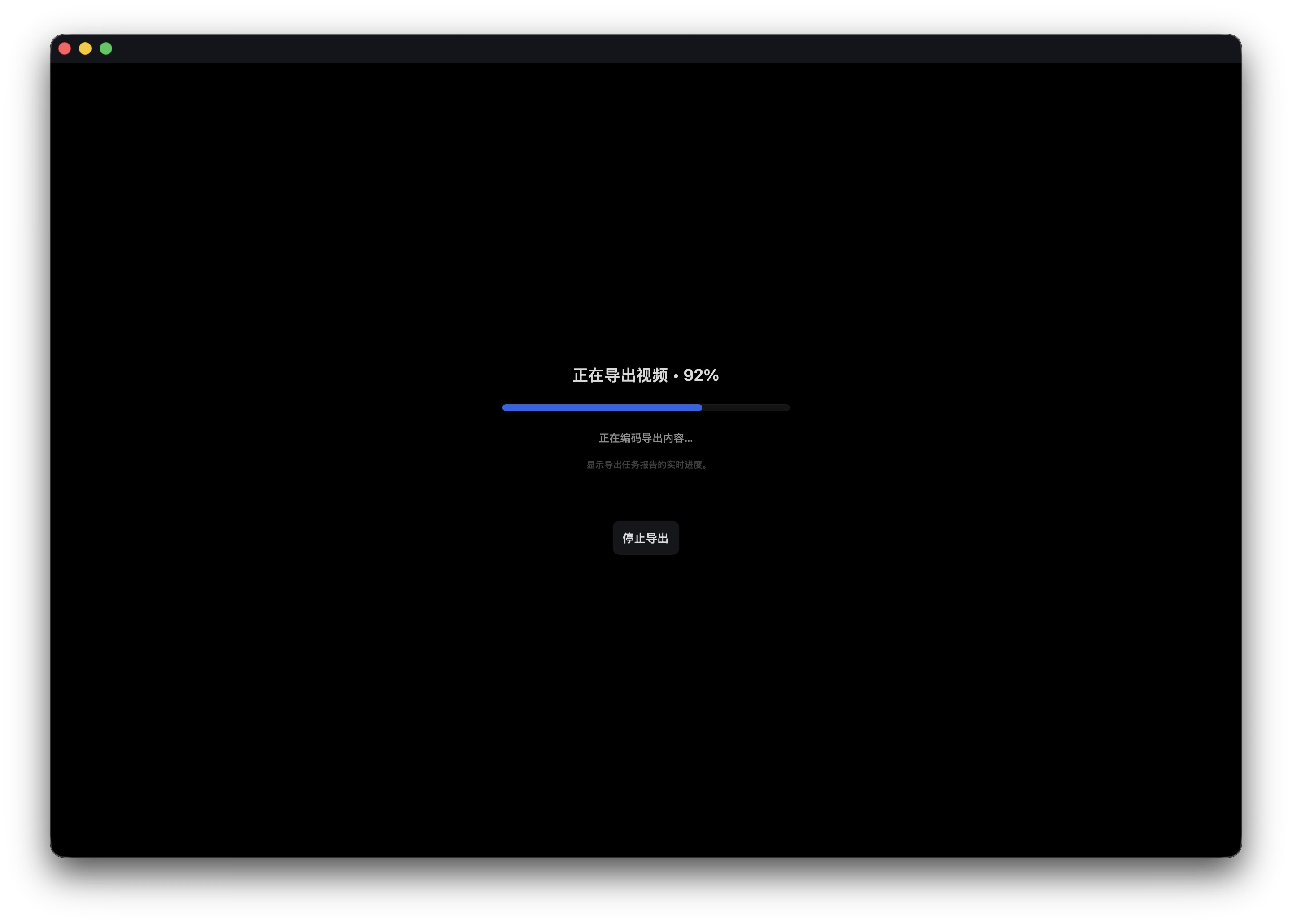
Fan3D local video export progress
Local export progress, visible in real time
Illustrative benchmark, not a performance guarantee.